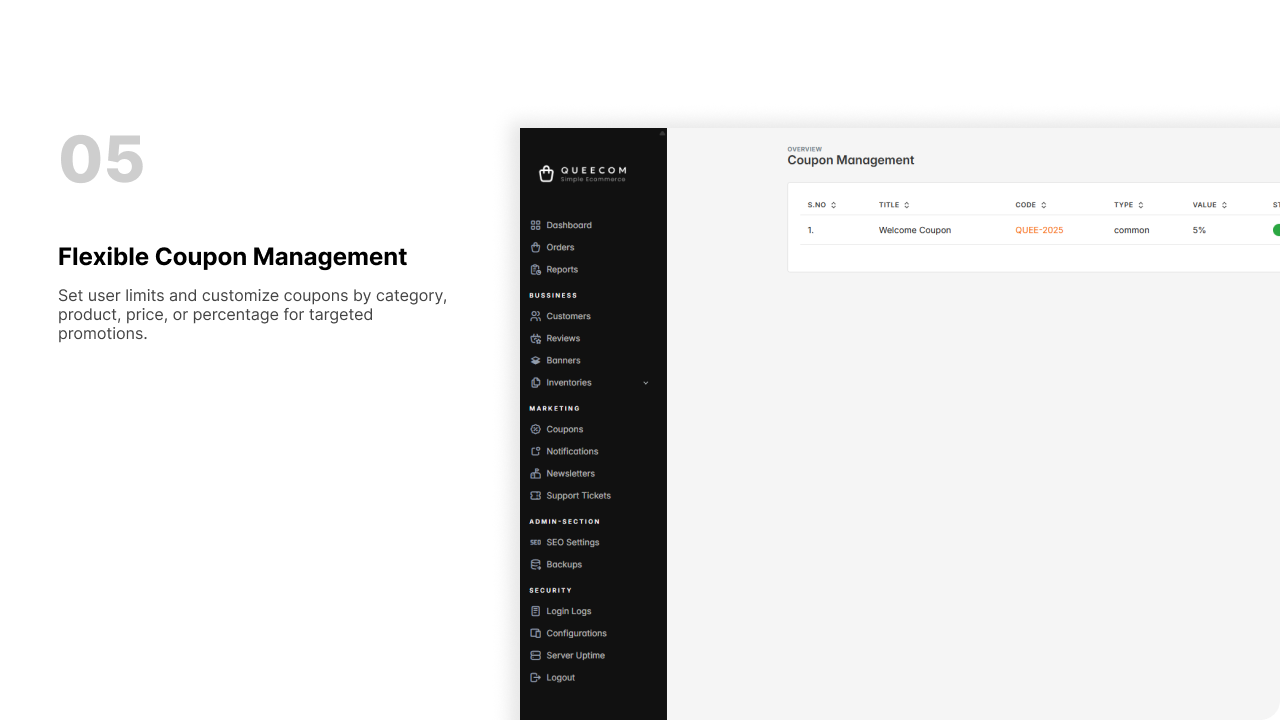
Coupons
This guide helps you create a new coupon with all necessary details including title, code, limits, type, validity, and value.
🏷️ Coupon Types
1. Common
- Description: A general coupon that can be applied site-wide
- Where it applies: Across all products and categories
- Best for: Broad discounts and promotions for all customers
2. Category
- Description: A coupon specific to a product category
- Where it applies: Selected categories only
- Best for: Promoting seasonal sales or category-focused campaigns
3. Product
- Description: A coupon tied to a specific product
- Where it applies: Selected product(s) only
- Best for: Driving sales for particular products or new launches
4. First Purchase
- Description: A coupon for first-time buyers
- Where it applies: First order placed by a new customer
- Best for: Encouraging new customers to make their first purchase
5. New Customer
- Description: A coupon targeted at newly registered customers
- Where it applies: Early orders after sign-up
- Best for: Attracting and rewarding new users
6. Referral
- Description: A coupon given through referral programs
- Where it applies: Referrer and/or referred customer purchases
- Best for: Increasing user growth through referrals
7. Flash Sale
- Description: A limited-time coupon for fast campaigns
- Where it applies: Time-bound promotions
- Best for: Creating urgency and boosting short-term sales
8. Holiday
- Description: A special coupon for holiday seasons or events
- Where it applies: Usually across multiple products or site-wide
- Best for: Black Friday, Christmas, Diwali, Eid sales, etc.
9. Bundle
- Description: A coupon applied to product bundles
- Where it applies: Grouped items or combo offers
- Best for: Upselling or encouraging customers to buy more together
Quick Summary
| Coupon Type | Where It Applies | Best Use Case |
|---|---|---|
| Common | Site-wide | Broad discounts for all customers |
| Category | Specific categories | Seasonal/category-focused campaigns |
| Product | Specific products | Promote targeted products launches |
| First Purchase | First order | Convert first-time buyers |
| New Customer | New registrations | Attract and reward new sign-ups |
| Referral | Referral program | Drive growth via customer referrals |
| Flash Sale | Time-limited deals | Create urgency, boost quick sales |
| Holiday | Holiday campaigns | Seasonal or festive promotions |
| Bundle | Grouped/combo items | Upsell with product bundles |
🎟️ Coupon Creation Guide
1. Enter Coupon Title
- Type a clear name for your coupon.
- Example: Summer Sale, Black Friday
2. Enter Coupon Code
- Type a unique code customers will enter to use the coupon.
- Example: SAVE20, WELCOME10
3. User Limit Switch and Input
- Enable User Limit by toggling the switch:
- If switch is ON, the user limit input field becomes active.
- Enter the maximum number of users who can use this coupon.
- If user limit is reached, the coupon will expire automatically.
- If switch is OFF, no user limit applies.
4. Select Coupon Type
- Choose the type of coupon from options like:
Common, Category, Product, First Purchase, New Customer, Referral, Flash Sale, Holiday, Bundle
5. Set Validity Dates
- Select the Valid From start date and Valid To end date for your coupon.
- Coupon will only be active during this period.
6. Enter Coupon Value and Value Type Switch
- Enter the coupon discount value.
- Turn on the Value Type switch to choose the type:
- If switch is ON, value is treated as a fixed price amount.
- If switch is OFF, value is considered a percentage discount.
Example
- ON + 10 = $10 off
- OFF + 10 = 10% off
7. Save the Coupon
- Click Save to create the coupon with your chosen settings.
- The coupon is now active and ready for use according to the settings.
Quick-tips
- Make coupon titles and codes clear and easy to remember.
- Use user limits carefully to avoid overuse.
- Set validity dates to control promotion period.
- Choose value type based on your discount strategy (price or percentage).
🎉 Your coupon is now ready to help boost sales and attract customers!